



Application:
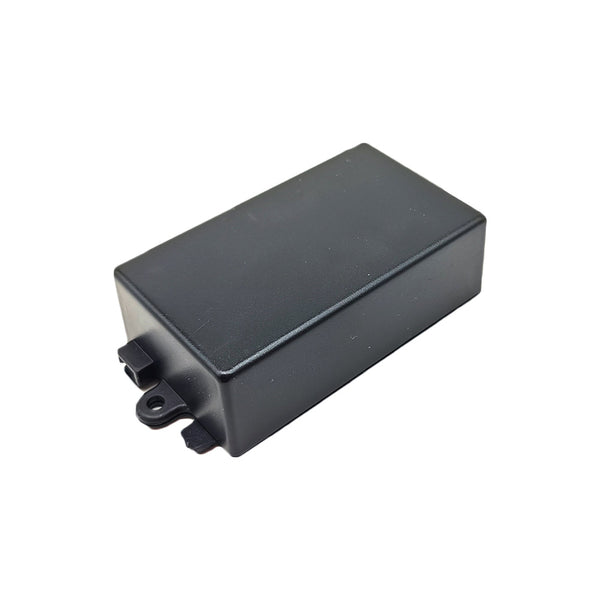
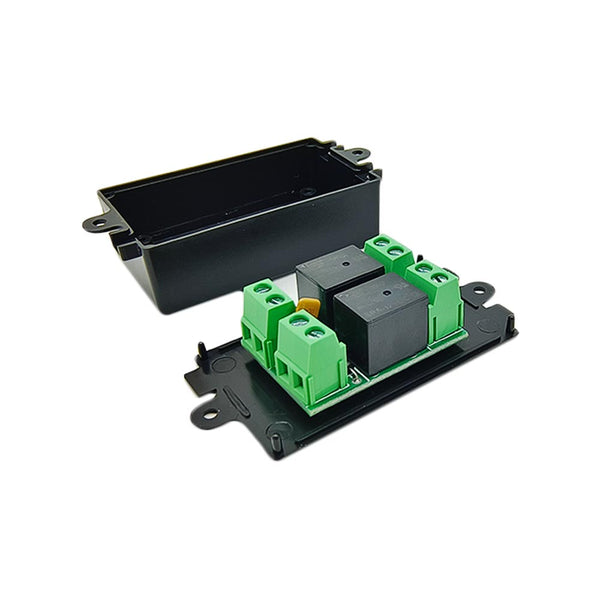
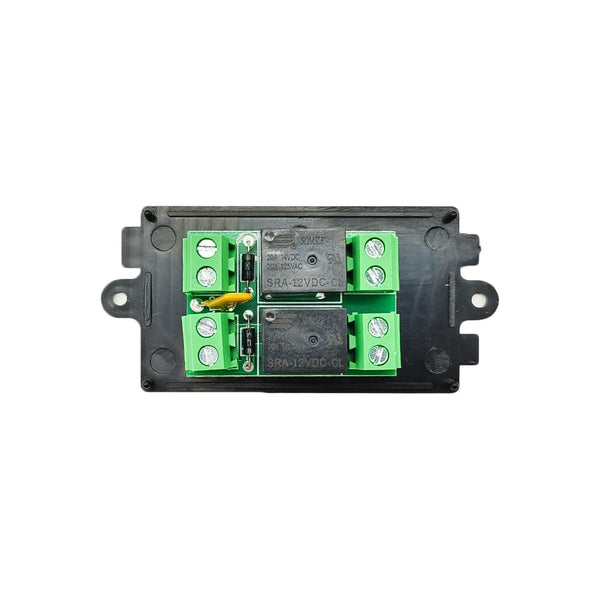
The magnetic switch controller is specially used for linear actuator
with electronic magnetic switch. The linear actuator is equipped with
two external electronic magnetic switches that can slide freely, by
adjusting the position of these two magnetic switches, the linear
actuator can be controlled to work within the set stroke length. The
external electronic magnetic switches need to be used in conjunction
with the magnetic switch controller.
Wiring:
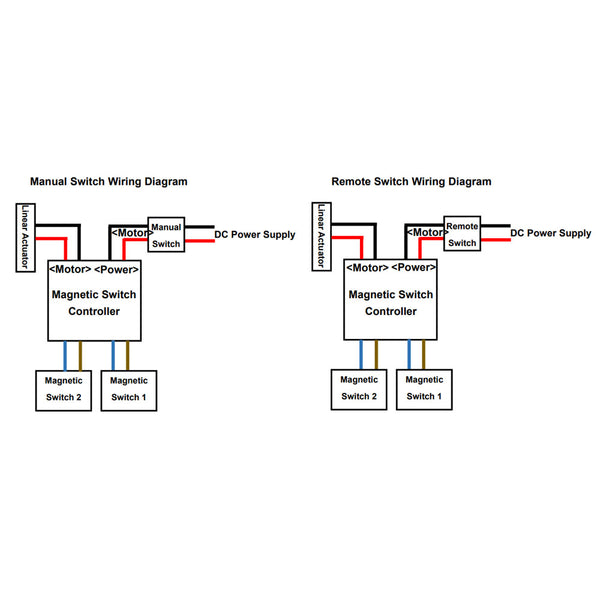
If use a remote switch to control the linear actuator, do as following.
1) Connect two wires of DC power supply to two terminals <Power> of the
remote switch.
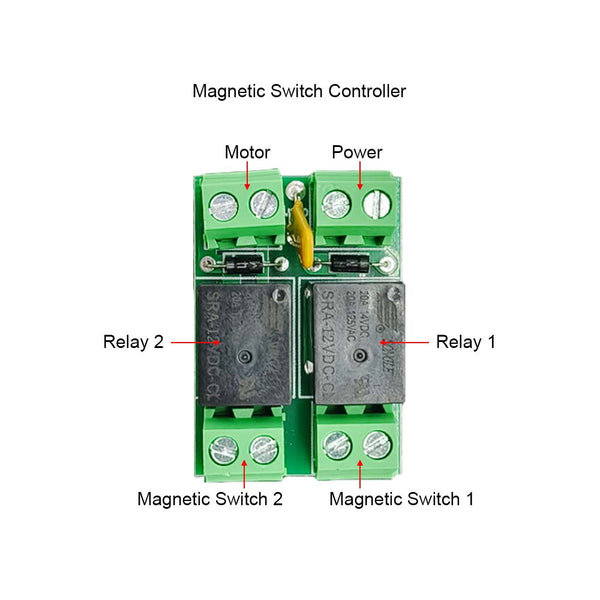
2) Connect two terminals <Power> of the magnetic switch controller to
two terminals <Motor> of the remote switch.
3) Connect two wires of linear actuator to two terminals <Motor> of the
magnetic switch controller, and you can exchange these two wires to
change the moving direction of linear actuator.
4) Connect the two wires of one magnetic switch to the two terminals
<Magnetic Switch 1> of the magnetic switch controller, and the two wires
of the other magnetic switch to the two terminals <Magnetic Switch 2> of
the magnetic switch controller.
Note: The two wires of the magnetic switch cannot be connected
reversely, please follow the connection diagram below for specific
wiring.
Operation:
1.The operation by the manual switch:
Press and hold the button <UP> on the manual switch: linear actuator
extends outward, when it moves to the position of a magnetic switch, the
linear actuator will automatically stop.
Press and hold the button <DOWN> on the manual switch: linear actuator
inward retracts, when it moves to the position of the other magnetic
switch, the linear actuator will automatically stop.
2. The operation by the remote switch:
2.1 Momentary Mode: Turn the mode toggle switch in the receiver to
position M.
Press and hold the button ▲ on the remote: linear actuator extends
outward, when it moves to the position of a magnetic switch, the linear
actuator will automatically stop.
Press and hold the button ▼ on the remote: linear actuator inward
retracts, when it moves to the position of the other magnetic switch,
the linear actuator will automatically stop.
2.2 Interlocking Mode: Turn the mode toggle switch in the receiver to
position L.
Press the button ▲ on the remote: linear actuator extends outward, when
it moves to the position of a magnetic switch, the linear actuator will
automatically stop.
Press the button ▼ on the remote: linear actuator inward retracts, when
it moves to the position of the other magnetic switch, the linear
actuator will automatically stop.